ROS2 Robot Framework
First, before starting this article, I need to explain what Robot Framework is, because when we say “robot” in the ROS ecosystem (including me), everyone thinks of physical real robots. However, the reason for the “robot” in Robot Framework is because it automates things, doing them in your place, hence the name. Robot Framework is actually a software environment developed to make acceptance tests and some processes autonomous. So with this software, you can test web applications, mobile applications, and even embedded applications that you develop. There are many different ready-to-use libraries developed by communities for different operations.
In the ROS2 projects and packages I developed before, this question always came up: “How are we going to test this package?” In ROS projects, writing only unit tests is not sufficient for the project because no matter how much the packages are tested with functions, the results are not always consistent with real life due to sensor noises in the environment. That’s why we use simulations (gazebo, webots etc) before testing projects in real life.
On the other hand, ROS packages don’t work in isolation, you can actually compare this to microservice architecture, meaning you don’t have a monolithic project. You have a localization package, a navigation package, another package to communicate with hardware, etc. I think it’s absolutely necessary and the right approach to test each package’s functions with unit tests. However, I also know that in some cases this is not enough. For example, a parameter you change in the localization package might be accepted by unit tests. However, this will cause completely different behavior of your robot in real life. For this, simulations are run among CI tests to measure results and write specific tests for task completion. However, making these tests faster, more efficient, and dynamic is actually not that difficult.
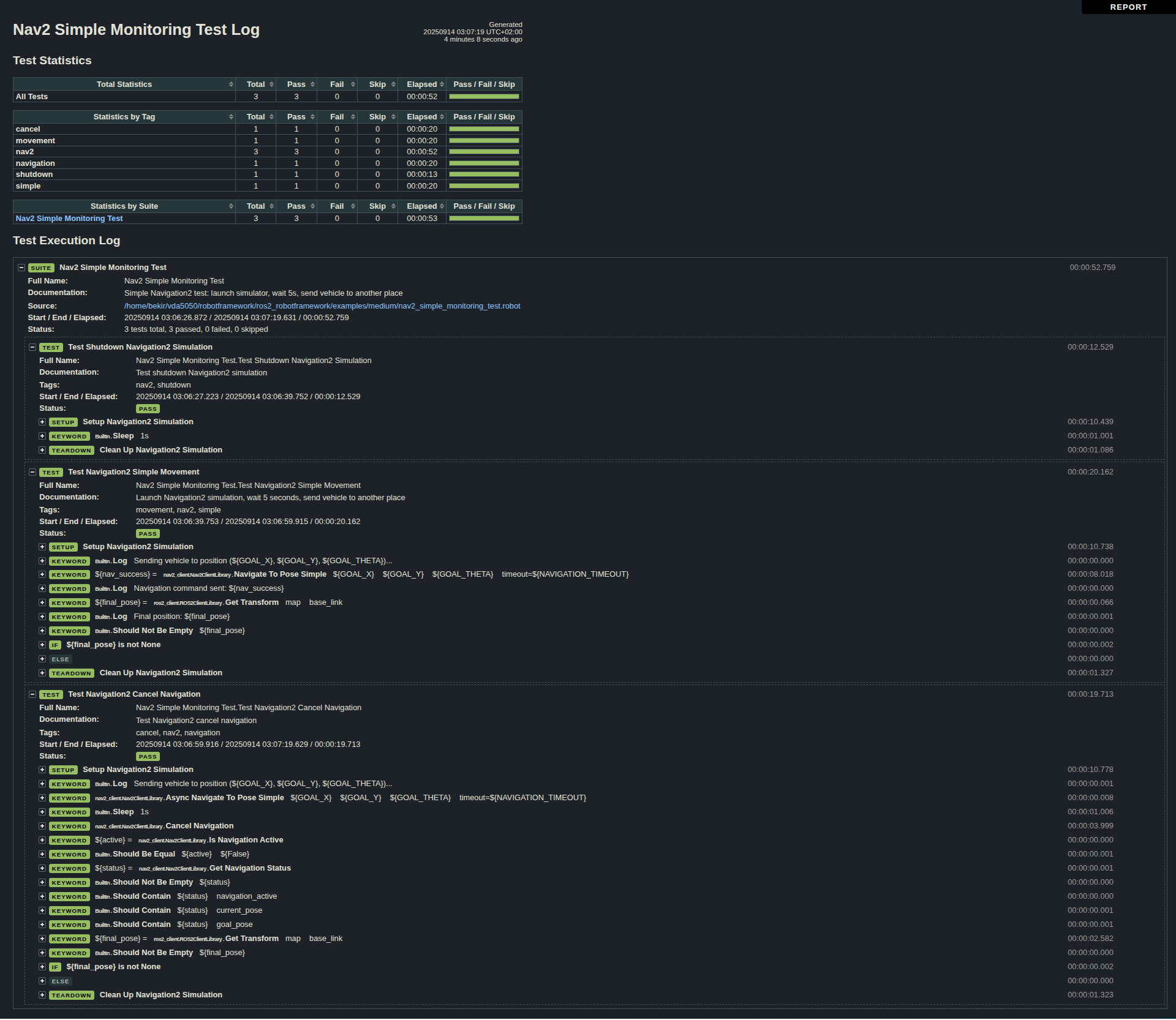
Robot Framework is actually a tool developed for this job. If you want to test your projects or automate some tasks, it might be the tool you’re looking for. You can simply create .robot extension test or task files and run these operations with Robot Framework and measure metrics. I can hear you asking, “Why do we need another dependency, are we going to maintain this too?”. If you don’t have any acceptance tests or don’t want to test, then of course you don’t need it :) Also, the maintenance rate of the in-house developed test projects you will use instead will be much higher. Another point is that since the tests you will develop here are keyword driven, creating or changing tests is just as easy.
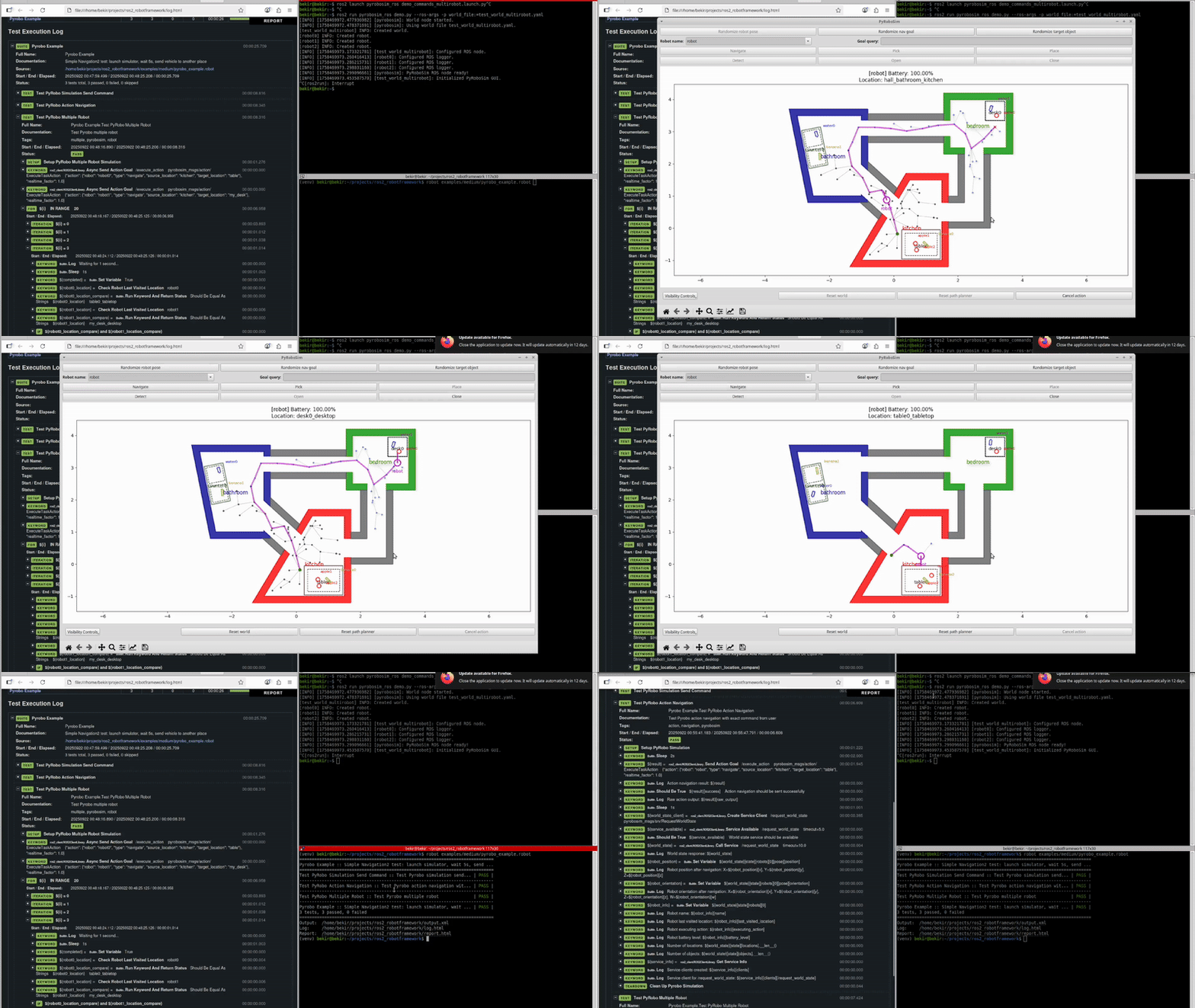
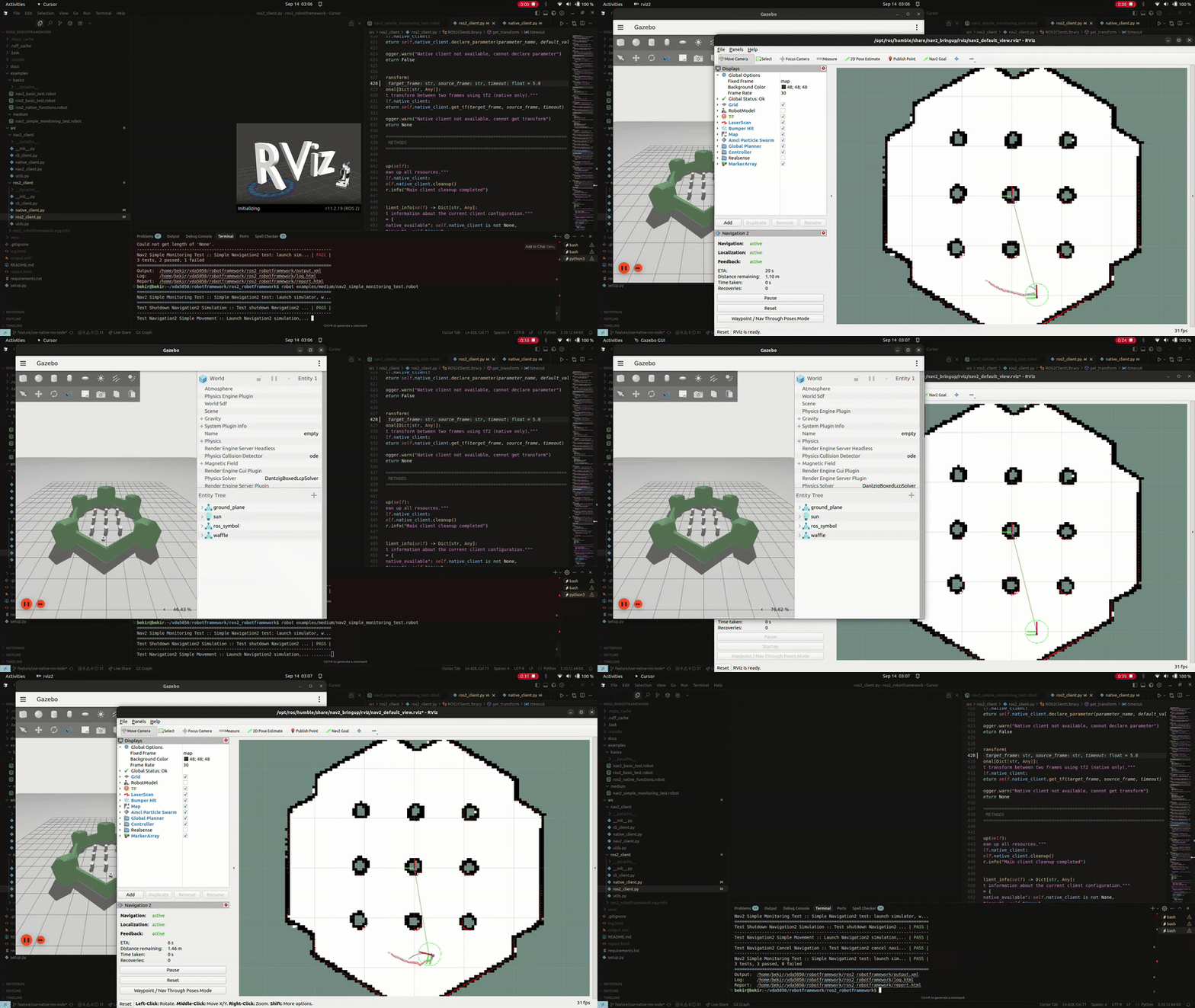
So how does this Robot Framework work? Simply, ros2_robotframework provides you with many different functions ready-made. What you need to do is decide what you want to test. For example, you can send a navigation command to your robot with an action service call and check whether it reaches that point within a certain timeout. Or you can start a launch file, wait until the service is created, then call the service and check the result. You can start the simulation in your launch file, wait for the robot to open, then move it a bit in different positions, and then compare the robot’s position with the real position and report how much error there is. Creating such tests with Robot Framework is really very easy.
Another point I want to mention is that Robot Framework is very efficient not only for testing but also for automating some operations. For example, you are developing a localization project, after changes, you run the simulation every time, send the robot to different positions and compare the position. Robot Framework is exactly the right tool for this job. It automates all of these for you with just a single command line. Robot Framework already has many different libraries for these purposes.