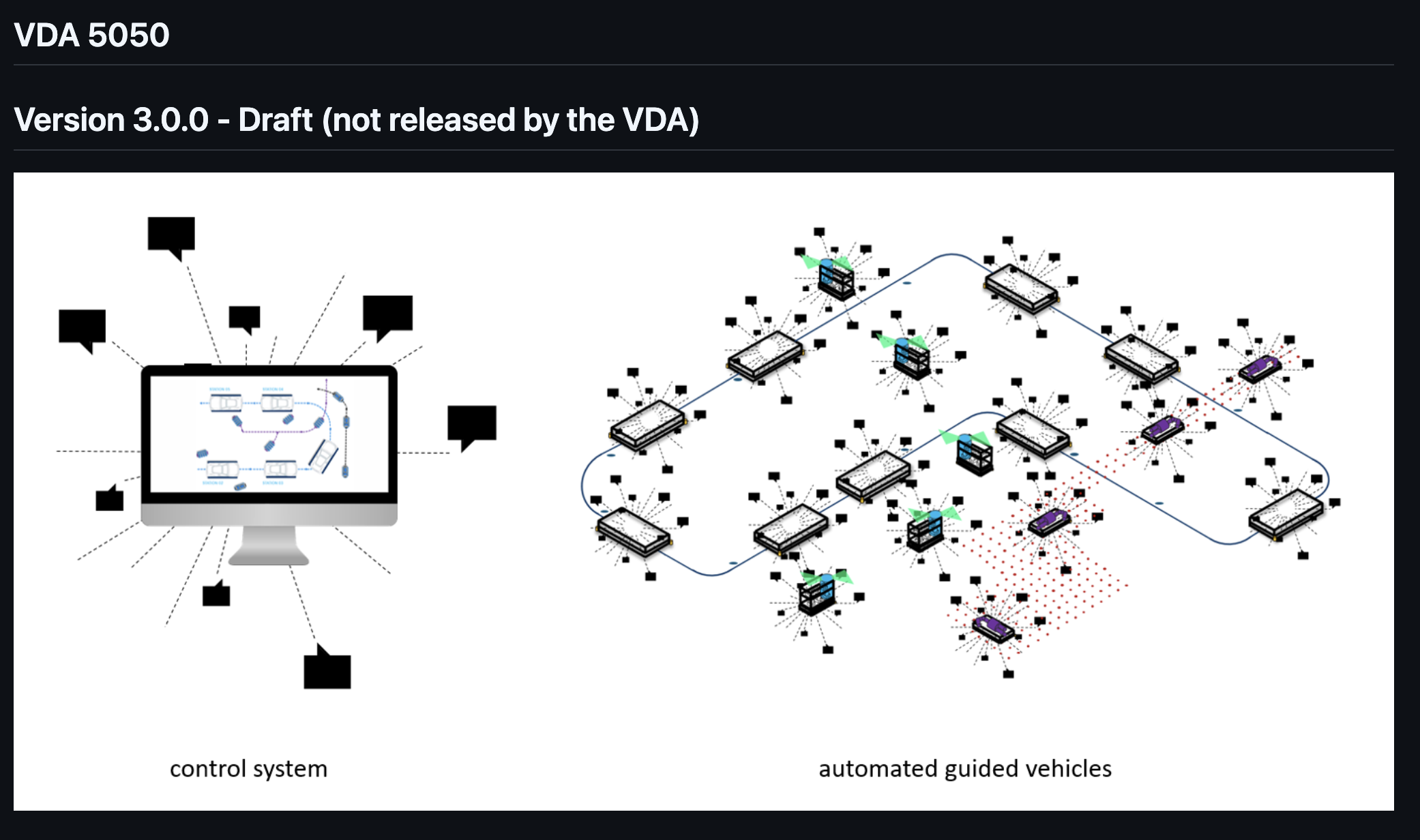
VDA5050: Major Version 3
General Changes
These changes affect mostly the VDA5050 interface.
- Timestamps format change - increased precision, millisecond goes to 3 digit precision
- Adding 2 new MQTT topics
zoneSetandresponse. Both topics go from master controller to vehicle
New Concepts
- New State (Idle)
- Sharing Planned Path for free navigation
- Zone concept
Idle state of the mobile robot (6.6.3)
This is actually a nice explanation to understand when a robot can get a new order. In previous versions it was not super clear, but with this new state (idle) it is so clear. Basically it is not a direct code or logic change, it is just a new term for VDA5050.
Definition: A mobile robot is idle if its
nodeStatesandedgeStatesare empty and allactionStatesare either ‘FINISHED’ or ‘FAILED’.
New order acceptance: A new order shall only be accepted if the vehicle is idle.
Order updates: An order update can be accepted when the mobile robot is idle or during order execution.
Instant actions: When idle, a vehicle can execute instantActions.
Sharing Planned Path (6.8)
This is a totally new feature for freely navigating mobile robots. There are 2 types of paths: plannedPath and intermediatePath. Both should start from the vehicle’s current position, independent of any nodes that are part of the order.
plannedPath
- Defined as NURBS trajectory (same structure as trajectory field in
edgeState) - Represents a longer path within the robot’s currently active order
- Should cover at least the mobile robot’s current base
- Updated whenever a significant change occurs in the mobile robot’s planned path
- Can contain an array of nodes (referenced by
nodeId) that will be traversed - Shared via the state message
intermediatePath
- Defined as a polyline with linear line segments between waypoints
- Represents estimated time of arrival at closer waypoints that the vehicle can perceive with its sensors
- Each waypoint contains:
x,ycoordinates, optionaltheta(orientation), and ETA (estimated time of arrival) - Updated with every sent state or visualization message
- Always begins at the mobile robot’s current position
Usage
- For freely navigating robots, both
plannedPathandintermediatePathshall be shared in each state - The robot can decide on the length of the shared paths based on the situation
- These parameters are only used for trajectories planned by the mobile robot itself
- The trajectory fields in
edgeStateare only used to acknowledge trajectories defined a priori within a layout or order
Zones (6.9)
This is another big change and I will not explain everything again because the documentation is super clear. For details please read the documentation. It is explaining everything very detailed but I will explain the basic concept. (Maybe in the next post I can try to explain details).
There are 2 types of zone types:
- Contour-based zones - if the vehicle’s bounds (it can be robot footprint or extending with its payload) enter the zone, the vehicle reports the zone
- Kinematic center-based zones - if the vehicle center enters the zone or leaves the zone, the zone should apply
Zone Workflow
Note: This is not clearly explained in the documentation but I think it will work like this:
- When robot is initialized on the map, master controller will send
zoneSeton thatmapZonesto vehicle - When robot starts an order, it will use the information and if necessary send request to master controller
- Robot will check zone boundaries during navigation and apply zone rules (speed limits, blocked areas, etc.)
- For interactive zones (
RELEASE,COORDINATED_REPLANNING), robot sendszoneRequestto master controller - Master controller responds with
GRANTED/REJECTED/QUEUED/REVOKEDvia response topic - Robot continues navigation based on zone permissions and rules
- When robot exits zones, it removes
zoneRequestfrom state and reports zone exit
Zone Overlapping
Another topic about zones is overlapping. Zones should work together and they can affect each other. There is a nice table in the document, you can find further information in the document.
Order Message Changes
zoneSetId: Zone set id removed from order message- Order cancellation: MC can optionally pass an
orderIdto reference which order it wants to cancel allowedDeviationXY: It was just a float number before, it defines the area always as a circle, but with 3.0 the field is defined with a new JSON object, it includesa,bandtheta:a: defines x distance of ellipseb: defines y distance of ellipsetheta: defines rotation angle
So fleet manager can define allowed deviation like an ellipse. If the fleet manager doesn’t support elliptic deviation, it can still define a = b = deviationRange (old value) and theta = 0. If the vehicle doesn’t support the feature, the vehicle must select the lower value from x and y and ignore theta.
- Trajectory: explanation changes but logic is the same
- Map: standards are the same, just difference is that each map has its
Instant Action Message Changes
Added clearInstantActions
| Field | Type | Description | Required | Parameters | Result | Blocking | Instant | Result |
|---|---|---|---|---|---|---|---|---|
clearInstantActions | - | Removes all finished or failed instant actions states from the mobile robots. | yes | - | .instantActions | yes | yes | no |
Added updateCertificate
| Field | Type | Description | Required | Parameters | Result | Blocking | Instant | Result |
|---|---|---|---|---|---|---|---|---|
updateCertificate | - | Request the mobile robot to download and activate a new certificate set. | yes | service (string)keyDownloadLink (string)certificateDownloadLink (string)certificateAuthorityDownloadLink (string, optional) | - | yes | no | no |
State Message Changes
Added instant actions states
| Field | Type | Description |
|---|---|---|
instantActionStates [actionState] | array | Contains an array of all instant action states that the vehicle received. Empty array if the vehicle has received no instant actions. Instant actions are kept in the state until restart or action clearInstantActions is executed. |
Added planned and intermediate paths
| Field | Type | Description |
|---|---|---|
plannedPath | JSON object | Represents a path within the robot’s currently active order as NURBS. |
intermediatePath | JSON object | Represents the estimated time of arrival at closer waypoints that the vehicle is able to perceive with its sensors. |
Added zoneRequests
| Field | Type | Description |
|---|---|---|
zoneRequests [zoneRequest] | array | Array of zoneRequest objects that are currently active on the AGV. Empty array if no zone requests are active. |
Replaced zoneSetId to zoneSet
| Field | Type | Description |
|---|---|---|
ZoneSets[ZoneSet] | Array of ZoneSet | Array of ZoneSet objects that are currently stored on the vehicle. |
Replaced positionInitialized to localized
| Field | Type | Description |
|---|---|---|
localized | boolean | ”true”: mobile robot is localized. x, y, and theta can be trusted.”false”: mobile robot is not localized. x, y, and theta cannot be trusted.Changing to the state to “false” is only allowed if the vehicle cannot determine its position anymore. The vehicle shall report this state via an error ( errorType = “localizationError”, errorLevel = “FATAL”). While this is set to “false”, the vehicle shall not resume automatic driving or continue its order. |
New Error Levels
Changes from 2 levels to 4: 'WARNING', 'URGENT', 'CRITICAL', and 'FATAL'.
Difference with the new 2 levels: separate immediate attention and can take new order or continue to current order. They are changing in levels.
New Operating mode
STARTUP - In this mode robot is not ready to take order, so fleet manager cannot send any order to vehicle.
New action blocking type
SINGLE - main difference between single and hard: if the type is hard, vehicle must stop for action, however for single, vehicle can continue navigation.
Visualization Message Changes
If you are already familiar with previous VDA5050 versions, visualization topic uses similar structure with state message. It is including visualization purpose data for high frequency and efficiency. As before it was including just position and velocity fields, with 3.0 adding 2 more fields: they are planned path and intermediate path.
Factsheets Message Changes
supportedZonesfields addedatomicfield added toactionParametersbatteryJSON object added
Disclaimer: This analysis is based on the original VDA5050 specification document. For the most accurate and up-to-date information, please refer to the official VDA5050 v3.0.0 specification.